
What it does
Five ways to make history click
Lifelines puts people, events and works on one timeline you can zoom, build, quiz and print. Here is what each capability does for you.
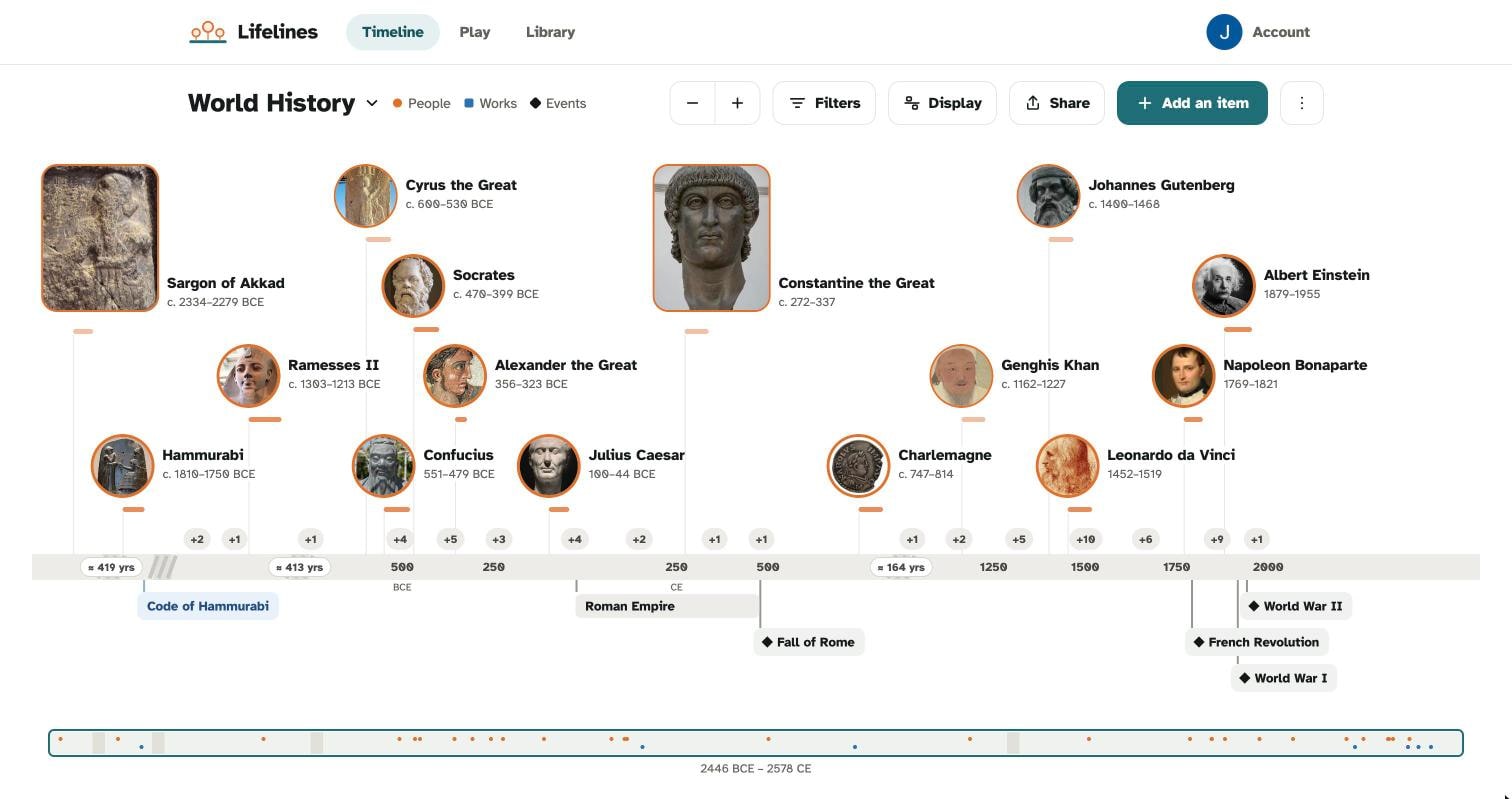
Each capability does one job. Together they turn dates into a story you can see.
Every person appears with a portrait and lifespan bar, beside the works and events of their time. You see at a glance who were contemporaries and who never met.
Four steps. No setup, and you can stop at any of them.
Open a ready-made pack to explore straight away, or begin an empty timeline of your own.
Pinch in and out. Watch lifespan bars overlap to see who lived at the same time.
Fill in the gaps with the figures, events and works you care about.
Test yourself with a generated quiz, then export a PDF or an A4 multi-page poster.
Lifelines comes with 14 ready-made packs covering about ~700 people and events. Open one and the timeline is already populated, so the first overlap shows up in seconds.
Packs are a starting point. Add to them, trim them, or ignore them and build your own.
Use Lifelines on iPhone from the App Store, on Android from Google Play, or in the web app from any browser. Getting started is free, with in-app purchases available for more.
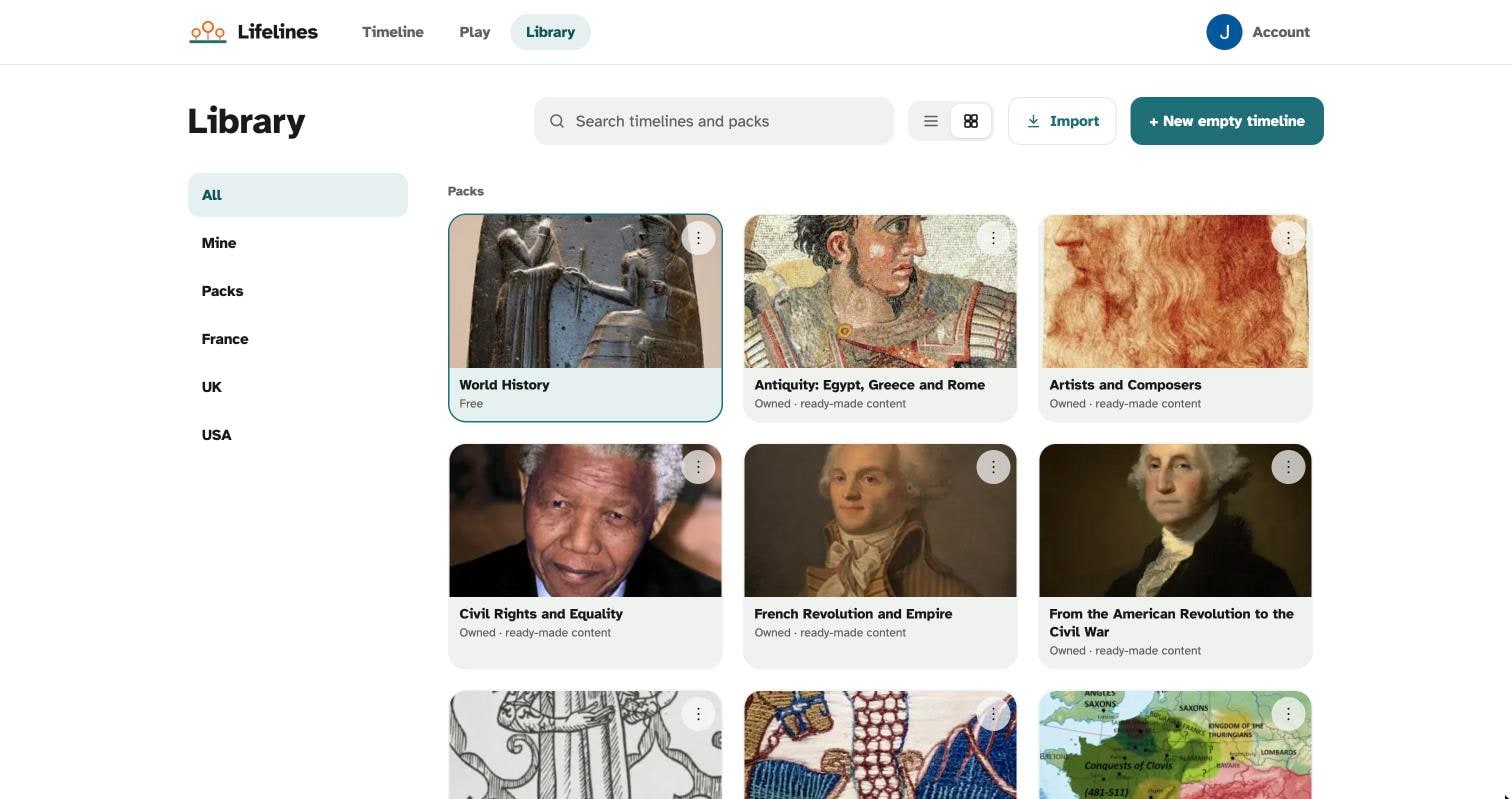
Open a pack, pinch to zoom, and see who lived at the same time. It is free to start.
Free to get started on iPhone, Android and web
Pinch to zoom out across thousands of years, then in to a single day. The same timeline works for ancient empires and one eventful week.
Start from a blank canvas and add the people, events and works you are studying. Good for coursework, family projects or plain curiosity.
Lifelines generates quiz questions from the timeline you built or opened. You test what you just explored, not a generic list.
Export your timeline as a PDF, or as a multi-page A4 poster you can tape together and pin on a wall. Handy for classrooms and kitchen walls.